AI evaluation
What an AI Website Review Can Actually Tell You
Read automated website findings with a clear view of their evidence, coverage, and limits, then decide what deserves a change.

A report can sound certain long before the evidence justifies certainty.
"The page is confusing." "The design lacks trust." "The checkout needs improvement."
Maybe those judgments are useful. Before acting on them, though, you need to know what the review looked at and how it reached the conclusion.
AI website reviews are easier to use well when you read them as an investigation you can follow. The report should help you find something worth checking, explain why it matters, and give you a reasonable next step.
First, find out what was captured
A review begins with inputs: a page, a viewport, a browser condition, and whatever content or state was available.
That boundary matters. A screenshot can show that a label is clipped. It can't establish whether an untested form submission succeeds. A page-load capture can reveal a visible layout shift, while leaving later interactions unexplored.
Start by opening the evidence. Check that it shows the intended route and state. If you wanted the checkout confirmation and the capture shows a sign-in page, the review has a different input from the one you expected.
Ask about anything missing before treating the findings as a verdict on the feature.
Check what the evaluation was designed to do
In Preveo, a macro adds a focused evaluation to captured evidence. Its declared purpose and compatible Use Cases help you decide when to use it.
Compatibility doesn't promise comprehensive coverage. A macro that examines landing-page messaging may provide useful copy feedback without evaluating authentication, keyboard operation, or every responsive condition.
Capture-only reviews and macro reports are also different outputs. An MCP-connected agent can inspect screenshots directly when its client has the necessary tools. A saved macro report exists when a macro was actually selected and processed.
Knowing which kind of review you're reading makes the claims easier to assess.
Follow the recommendation back to an observation
Consider this illustrative recommendation:
Move the delivery estimate closer to the purchase action because it is currently separated by several unrelated sections in the mobile capture.
You can open that capture and assess the separation. You can decide whether delivery timing is important to the buying decision. You can make a change and review it again.
Now consider:
Improve trust to increase conversions.
That might describe a worthwhile goal, but it doesn't identify a specific observed problem or demonstrate an effect on conversion. You'll need more detail before choosing an implementation.
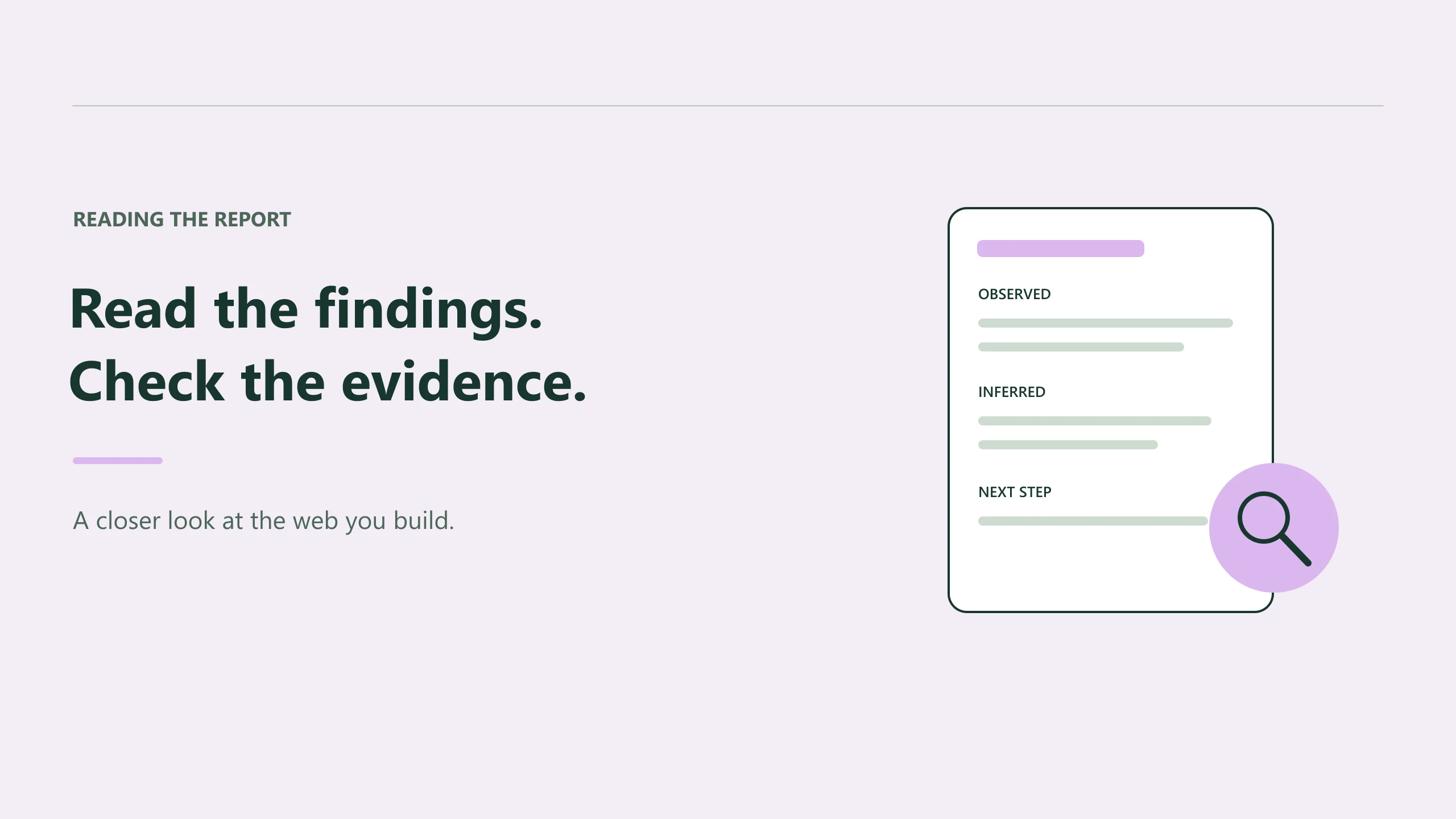
Useful recommendations distinguish what the reviewer saw, what it inferred, and what it suggests trying. If a finding skips the evidence, ask for it.
Read an empty result carefully
A report with no saved recommendations gives you one fact: there are no recommendations in that saved result.
It doesn't establish that the whole website is free of issues. The selected evaluation may have a narrow purpose, the capture may omit an important state, or the result may simply contain limited detail.
Check status too. A pending or failed macro output is different from a successful report. When retrieving a particular review through MCP, use the job ID so a later or earlier run doesn't get mistaken for the one you're discussing.
The current result tool returns bounded recommendations and indicates when that list is truncated. Follow the report link when you need the fuller context.
Be precise with performance claims
Performance evidence deserves the same care as visual evidence.
In the current Preveo MCP implementation, saved capture measurements can expose available LCP and CLS observations. They are labeled as lab observations. INP remains unavailable there without qualifying interaction evidence.
That distinction affects what you can say afterward. A captured page load is useful evidence about that run. It doesn't establish the experience of every visitor, and an unavailable measurement shouldn't be reported as a passing result.
If performance is central to the decision, record the conditions and use the measurements actually returned. Leave unknown values visible as unknowns.
Decide what to fix and what to test
Some findings describe straightforward defects: clipped content, an obscured action, a missing asset. Others suggest a design experiment or call for judgment about wording.
Treat them accordingly.
A visible overflow issue may justify a focused CSS correction and a recapture. A claim that a different headline will sell better needs product judgment and, where appropriate, evidence from actual users.
Ask the agent to rank findings by the observed impact and explain the uncertainty. You can then choose the changes that matter without accepting every suggestion in the report.
Preveo's MCP tools make the saved evidence and findings accessible from the coding workflow. Their value grows when you keep the original capture, the recommendation, and your decision close together.
You should be able to disagree with an AI review and explain why. A useful report gives you enough context to do that, as well as enough evidence to spot the fixes you would otherwise have missed.
 Install Browser Extension