Organize product work into projects, suites, threads, and lists with precise access controls for every resource.
Dashboard
Dashboard
Manage every workspace resource from one operational dashboard with navigation, ownership, wallets, settings, and access actions close at hand.
Platform
Platform
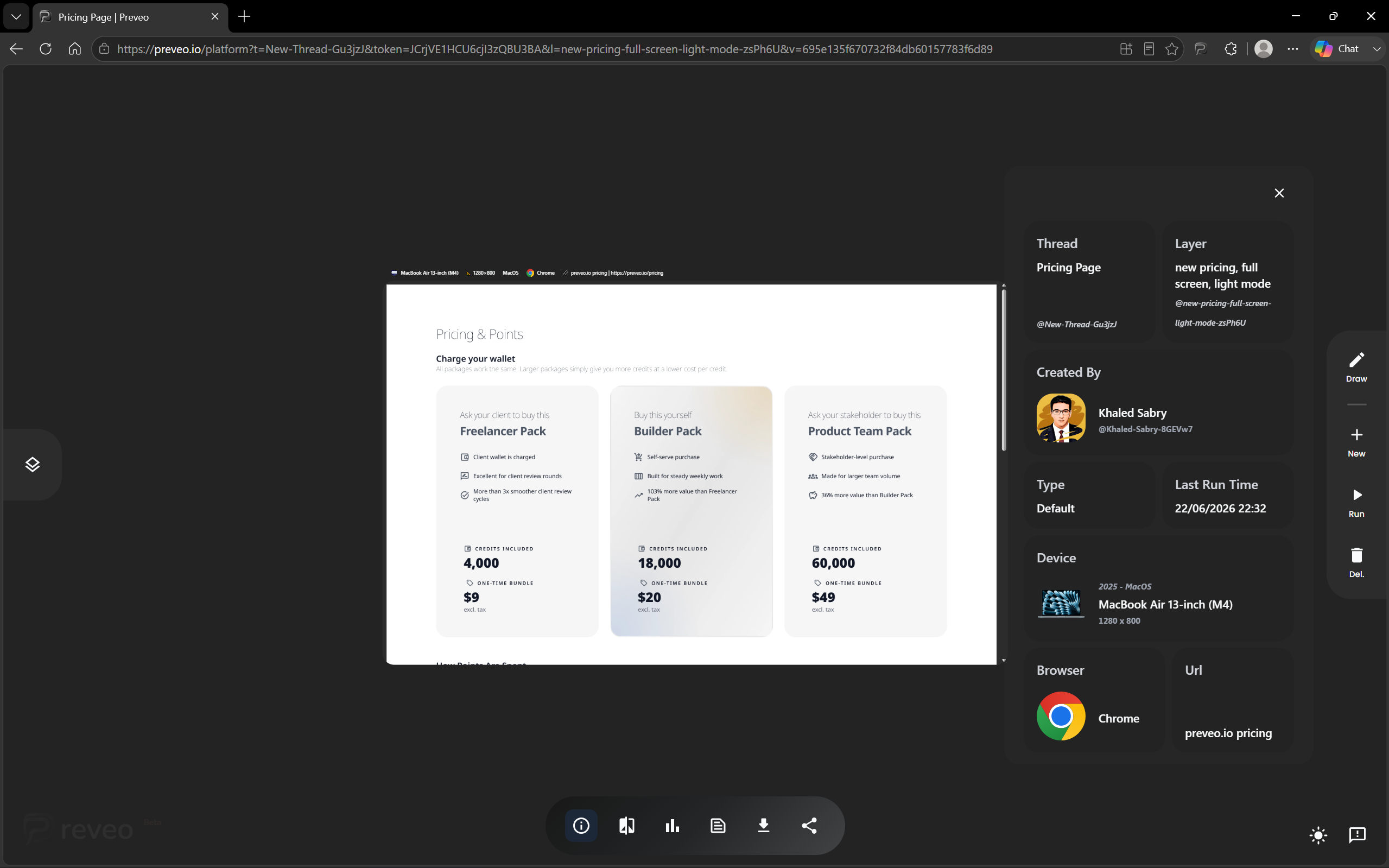
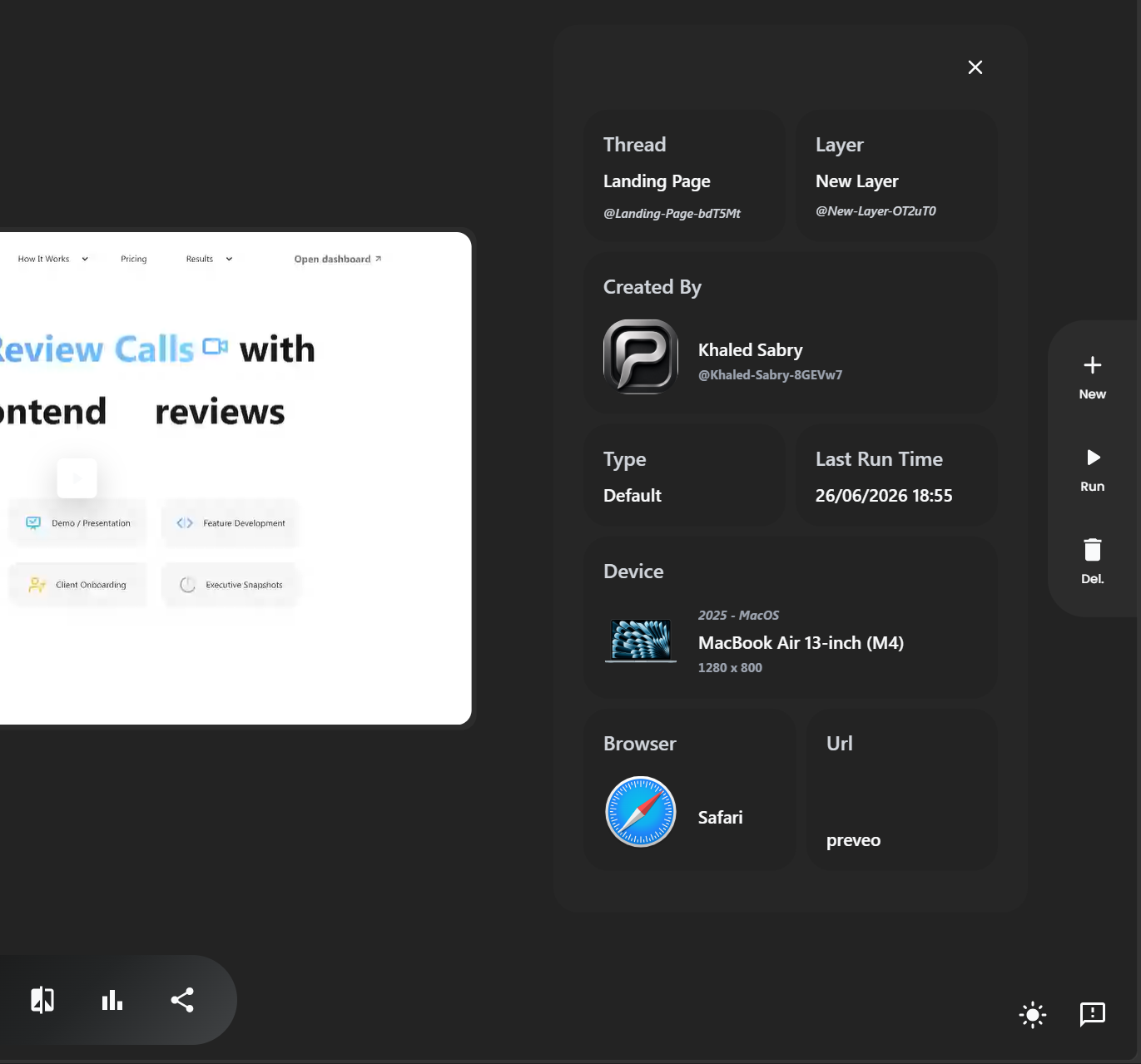
Review captured product states in the platform with layers, views, comparison mode, diagnostics, feedback, sharing, and theme controls.
Projects
Projects
Keep each product, client, or initiative in its own project with the right people, resources, and review history in one place.
Suites
Suites
Bundle related pages, flows, captures, and test contexts into suites so a release or feature review has a clear shape.
Threads
Threads
Turn feedback into focused threads where comments, captures, decisions, and follow-ups stay tied to the resource being discussed.
Lists
Lists
Organize work into actionable lists for QA queues, design reviews, launch checks, bugs, approvals, and client handoff.
Resource Access Controls
Resource Access Controls
Set precise access controls for projects, suites, threads, lists, and captured resources so every share matches the work.
Wallet
Wallet
Manage prepaid points, billing ownership, and review usage from one wallet so teams can keep work moving without payment confusion.
Dashboard
Manage every workspace resource from one operational dashboard with navigation, ownership, wallets, settings, and access actions close at hand.
Platform
Review captured product states in the platform with layers, views, comparison mode, diagnostics, feedback, sharing, and theme controls.
Projects
Keep each product, client, or initiative in its own project with the right people, resources, and review history in one place.
Suites
Bundle related pages, flows, captures, and test contexts into suites so a release or feature review has a clear shape.
Threads
Turn feedback into focused threads where comments, captures, decisions, and follow-ups stay tied to the resource being discussed.
Lists
Organize work into actionable lists for QA queues, design reviews, launch checks, bugs, approvals, and client handoff.
Resource Access Controls
Set precise access controls for projects, suites, threads, lists, and captured resources so every share matches the work.
Wallet
Manage prepaid points, billing ownership, and review usage from one wallet so teams can keep work moving without payment confusion.
Browser Extension
Capture, annotate, and share product feedback directly from the page you are reviewing with the Preveo browser extension.
Draw on Webpages
Draw directly on captured webpages with arrows, highlights, blur, and notes so visual feedback stays attached to the exact screen.
Plugin Types
Choose the right plugin type for each layer so captures can run as screenshots, recordings, accessibility checks, vision simulations, zoom reviews, debug passes, themes, custom flows, or video mutations.
Compare Layers
Compare captured layers with each other so teams can see exactly what changed between versions, states, themes, or review rounds.
Theme and Mode Review
Review light mode, dark mode, branded themes, and temporary experiment modes from the same product context.
LTR & RTL Languages
Catch layout, copy, contrast, and direction problems across translated, long-copy, RTL, and accessibility-sensitive states.
Performance Gap
Show what happens when a browser opens the page: how long it takes to load, render, respond, and feel ready across key performance metrics.
Network Calls and Logs
Keep API activity, console output, and runtime errors beside the reviewed page state so teams can diagnose issues from one card.
Browser Extension
Browser Extension
Capture, annotate, and share product feedback directly from the page you are reviewing with the Preveo browser extension.
Draw on Webpages
Draw on Webpages
Draw directly on captured webpages with arrows, highlights, blur, and notes so visual feedback stays attached to the exact screen.
Plugin Types
Plugin Types
Choose the right plugin type for each layer so captures can run as screenshots, recordings, accessibility checks, vision simulations, zoom reviews, debug passes, themes, custom flows, or video mutations.
Compare Layers
Compare Layers
Compare captured layers with each other so teams can see exactly what changed between versions, states, themes, or review rounds.
Theme and Mode Review
Theme and Mode Review
Review light mode, dark mode, branded themes, and temporary experiment modes from the same product context.
LTR & RTL Languages
LTR & RTL Languages
Catch layout, copy, contrast, and direction problems across translated, long-copy, RTL, and accessibility-sensitive states.
Performance Gap
Performance Gap
Show what happens when a browser opens the page: how long it takes to load, render, respond, and feel ready across key performance metrics.
Network Calls and Logs
Network Calls and Logs
Keep API activity, console output, and runtime errors beside the reviewed page state so teams can diagnose issues from one card.